
How do I speed up my WordPress site with AccelerateWP?
We provide a tool, AccelerateWP, that speeds up the display of your WordPress site.
Unlike commercial plugins such as WP Fastest Cache, WP-Optimize, WP Rocket, or others, AccelerateWP Standard is provided to you free of charge. A Premium version exists if you need even more performance, and a CDN is available if your site reaches a global audience.
Here is how to enable AccelerateWP:
- Log in to your cPanel
- In the "Software" section, choose "AccelerateWP"
- You'll then have access to the list of WordPress sites on your hosting plan:
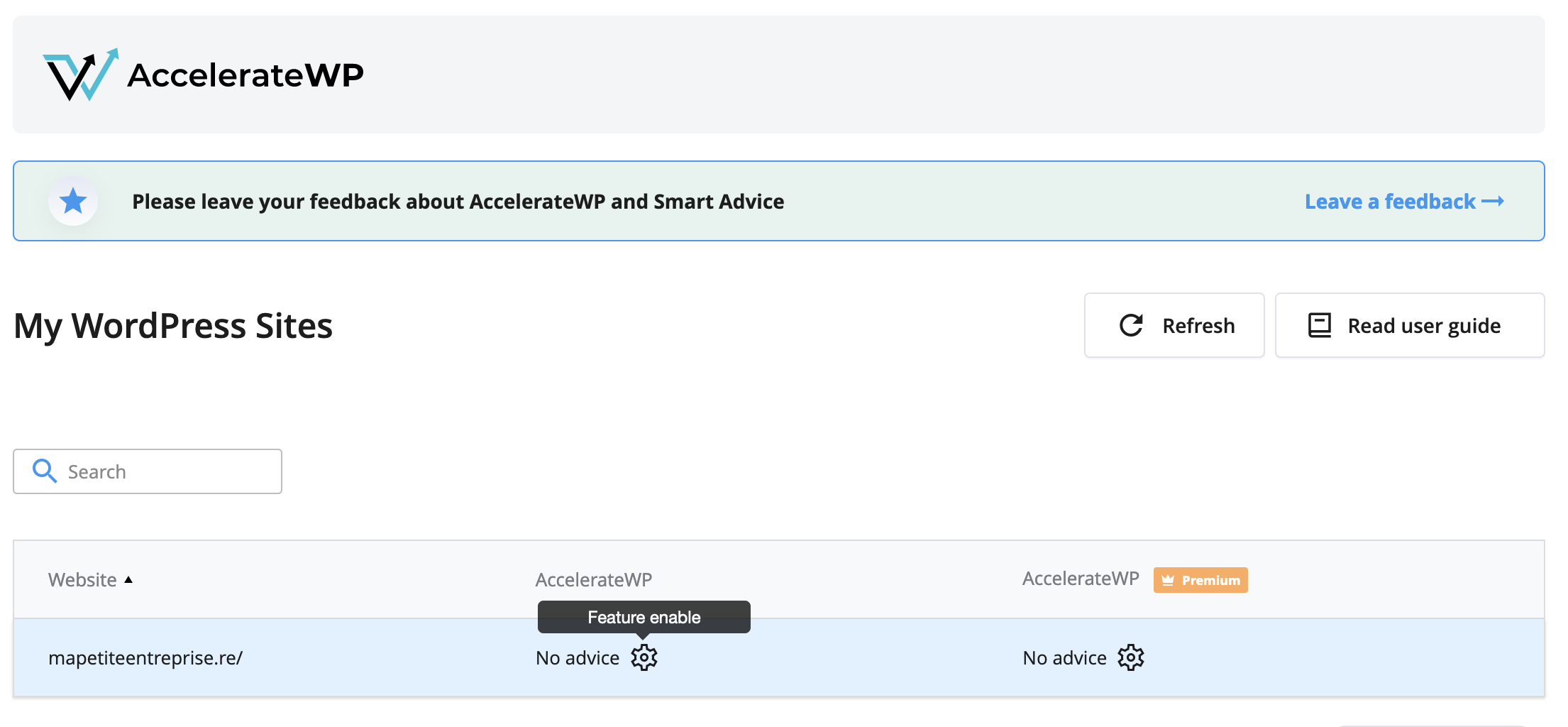
- Click the gear icon in the "AccelerateWP" column, then check the "AccelerateWP" box:

- If you want to change the default settings, log in to your WordPress, then go to the "Settings" section of the sidebar, then "AccelerateWP".
- You can check the AccelerateWP online help if you need more information.
You can ignore the error "AccelerateWP: Mod PageSpeed is not compatible with this plugin and may cause unexpected results." because our default Mod PageSpeed configuration is compatible with AccelerateWP.
AccelerateWP Premium
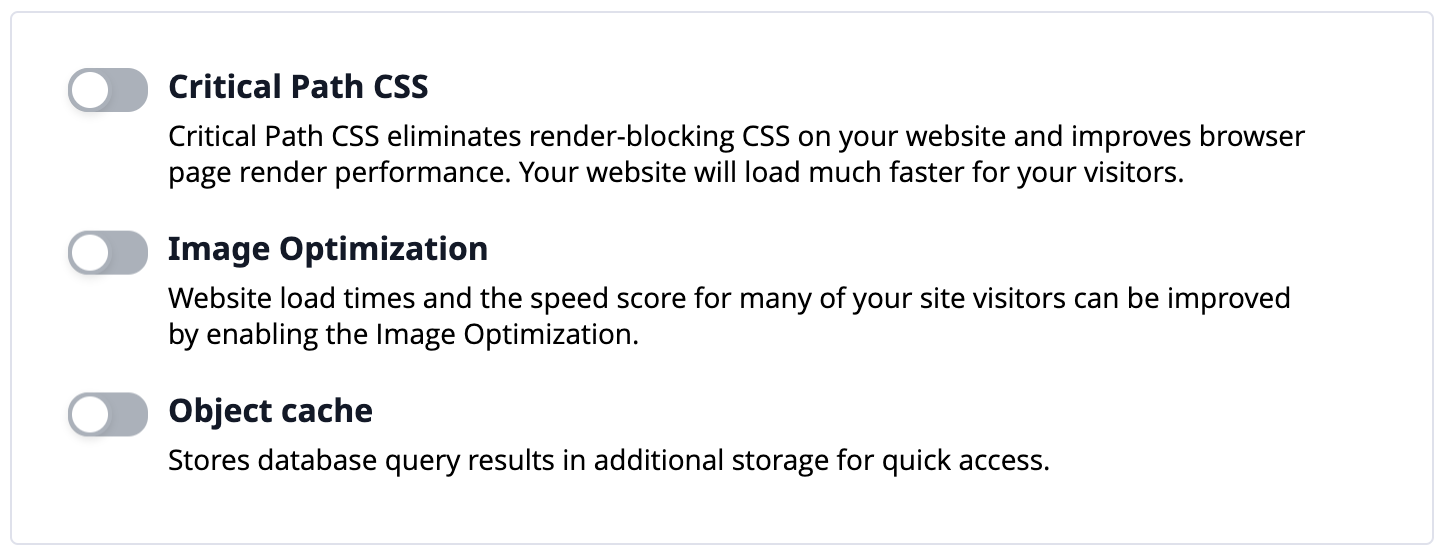
If you'd like to go further, we offer AccelerateWP Premium, which includes a Redis object cache, critical CSS generation, and image optimization, among other things. Here's how to subscribe:
- Log in to your client area
- In the "My account" menu, choose "My services"
- Click "Web Hosting" on the line corresponding to the cPanel you want to access
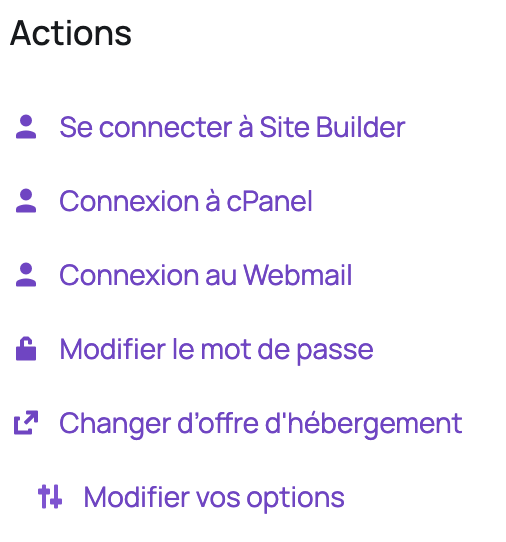
- On the left, under "Actions", click "Edit your options":
- In the "AccelerateWP" section, choose "AccelerateWP Premium", then click "Click to continue":

- Then confirm your order
- Once the order is confirmed, log in to your cPanel
- In the "Software" section, choose "AccelerateWP", then click the gear icon in the "AccelerateWP Premium" column:

- Then choose the options you're interested in:
AccelerateWP CDN
AccelerateWP offers integration with a commercial CDN that speeds up your site for users located far from your server, with a network covering more than 100 points of presence across 5 continents.
Note: the CDN has no point of presence in Réunion or Mauritius; users from these territories will be redirected to a point of presence in South Africa, which is a good compromise in terms of performance.
The CDN is billed based on traffic consumed. If you don't know how much traffic you use, you can go to your cPanel, then in the "Metrics" section go to "Bandwidth". You'll then see the monthly totals. Take the highest total.
Here's how to subscribe to the CDN:
- Log in to your client area
- In the "My account" menu, choose "My services"
- Click "Web Hosting" on the line corresponding to the cPanel you want to access
- On the left, under "Actions", click "Edit your options":
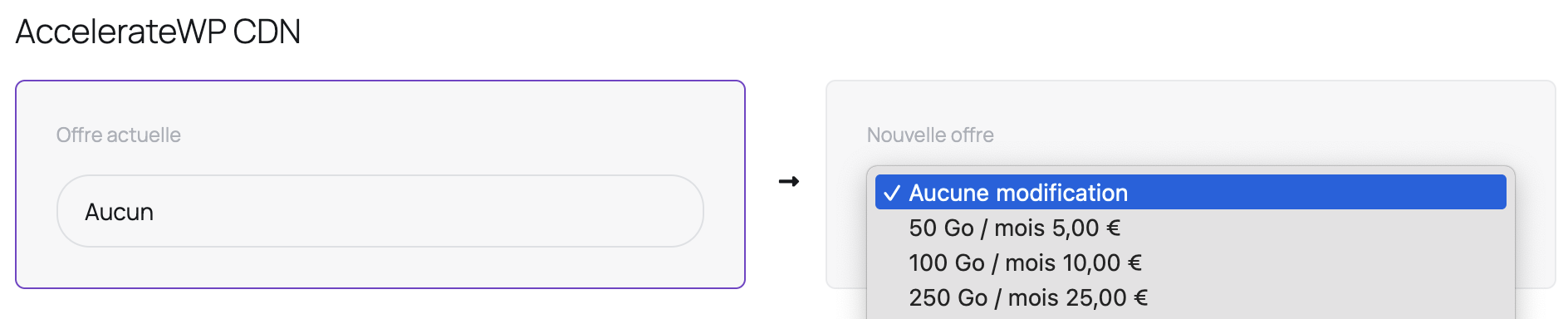
- In the "AccelerateWP CDN" section, choose the monthly traffic consumed by your site, then click "Click to continue":
- Then confirm your order
Updated on: 17/07/2026
Thank you!