
How do I add a scheduled task (cron)?
The cron tool lets you add scheduled tasks to your hosting. A scheduled task automatically runs a command (or script) on a defined schedule (hourly, weekly, etc.).
- Log in to your cPanel
- In the "Advanced" section, choose "Cron Jobs"
- Choose the frequency either from the "Common Settings" menu or the individual settings below:
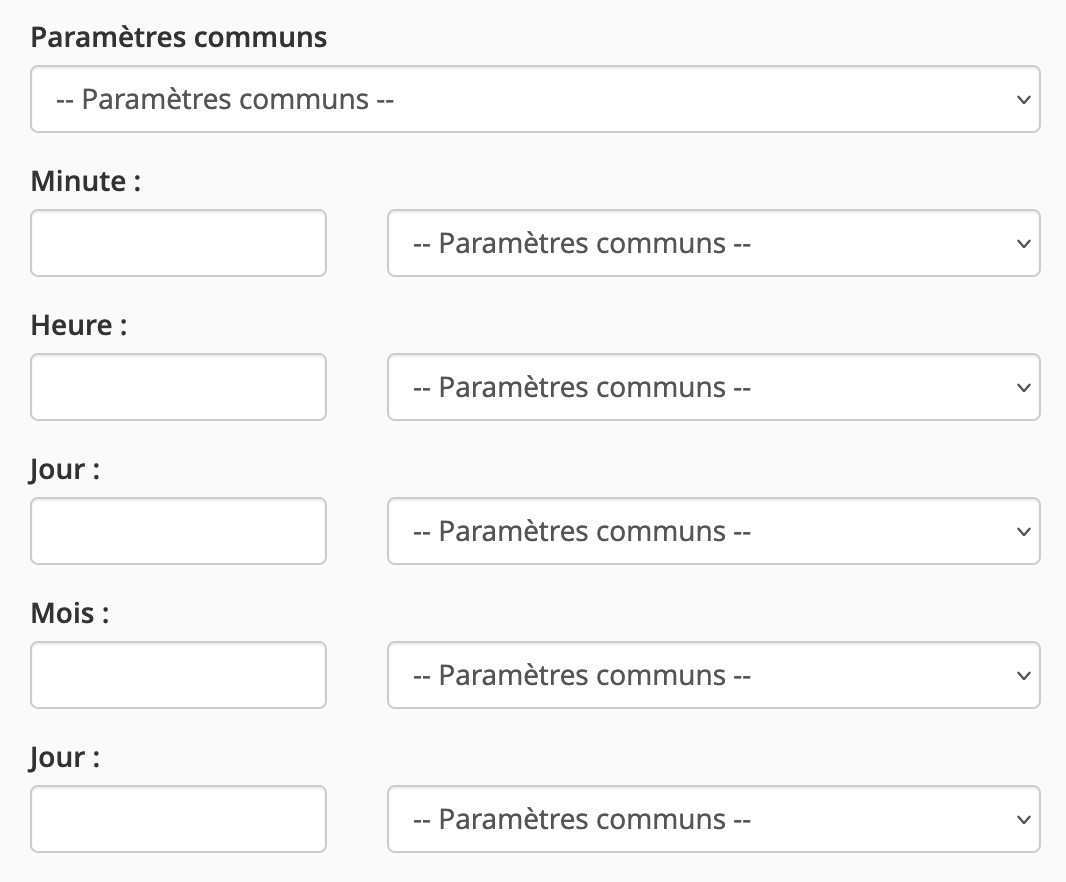
- Enter your command, for example:
wget -qO /dev/null 'https://www.mapetiteentreprise.re/chemin/cron.php'
to call the script located at https://www.mapetiteentreprise.re/chemin/cron.php (the quotes are important and must be included)
/usr/local/bin/ea-php80 /home/mapetite/public_html/chemin/cron.php
to call a PHP script located at /home/mapetite/public_html/chemin/cron.php (note: the path must be absolute) using PHP 8.0
/home/mapetite/script.sh
to call a shell script located at /home/mapetite/script.sh (note: the path must be absolute)
The file must be chmod 755 and contain a shebang.
Updated on: 17/07/2026
Thank you!