
How to automatically send your invoices to the accounting department?
If you want your accounting department to automatically receive our invoices, it can be done very easily:
- Log in to your client area
- In the menu with your name in the top right corner, choose "Contact Management"
- Fill in the form and check the following box:
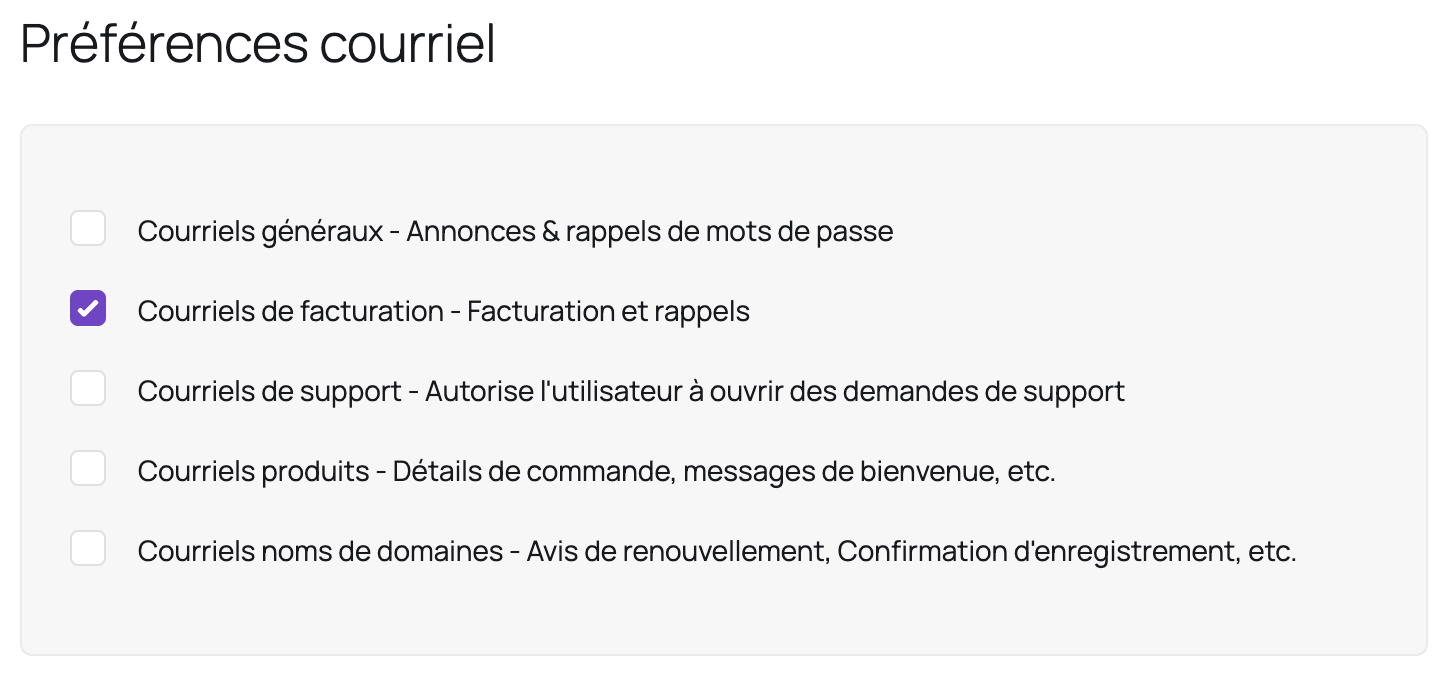
- Click "Save Changes"
Tip: you can use the same method to have other people receive other types of emails by checking the appropriate boxes.
Updated on: 21/02/2026
Thank you!