
Your site displays a "This website is undergoing scheduled maintenance" message

During a WordPress update and/or its plugins update, your site may automatically enter "maintenance" mode to prevent your visitors from seeing a site that is not fully up to date.
If you see this message, we recommend waiting a few minutes for the update(s) to complete.
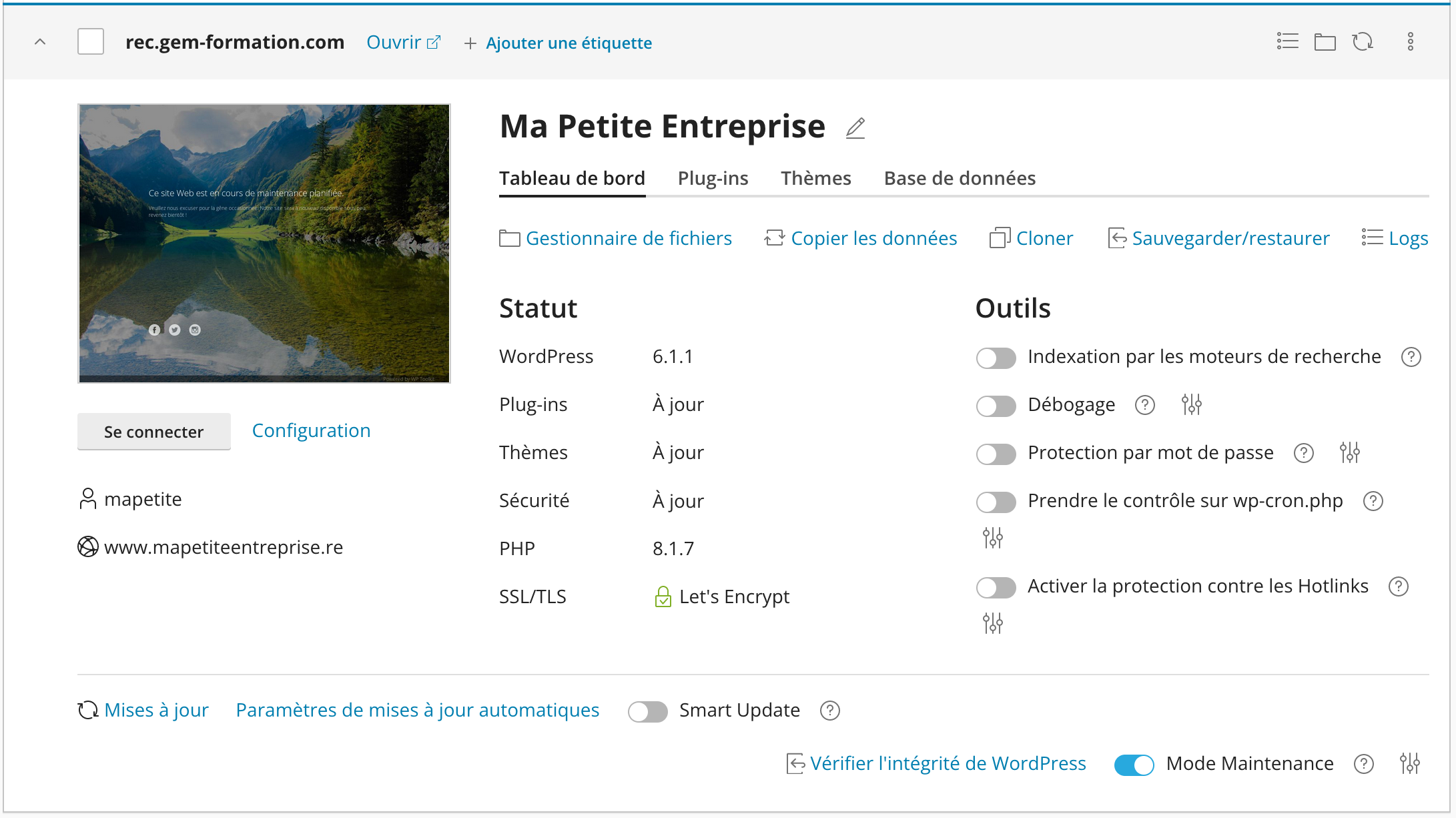
If the problem persists despite this, you can manually disable "maintenance" mode using WP Toolkit:
- Log in to your cPanel
- In the "Domains" section, choose "WordPress Toolkit"
- Click the blue button next to "Maintenance Mode" at the bottom right of your site:
Updated on: 15/02/2026
Thank you!