
How to add a scheduled task (cron)?
The cron tool allows you to add scheduled tasks to your hosting. A scheduled task automatically executes a command (or script) at a defined frequency (every hour, every week, etc.).
- Log in to your cPanel
- In the "Advanced" section, choose "Cron Jobs"
- Choose the frequency either with the "Common Settings" menu or the individual settings below:
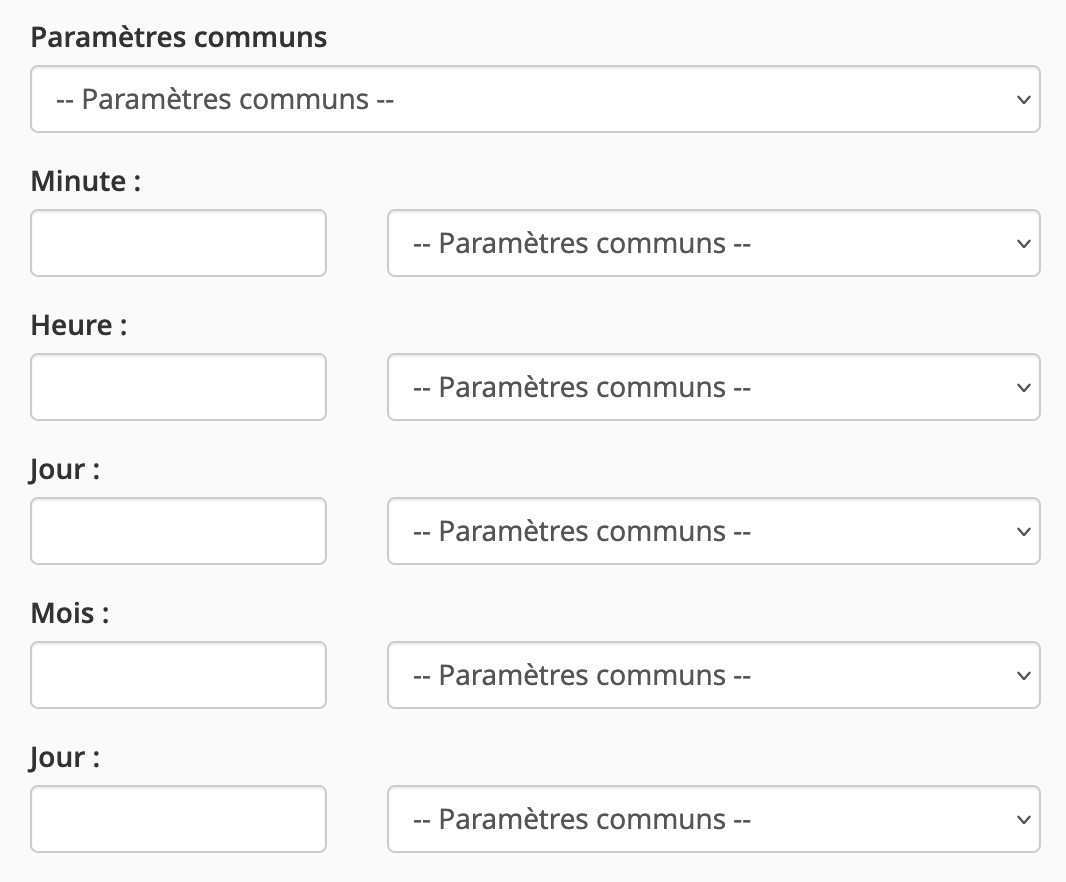
- Enter your command, for example:
wget -qO /dev/null 'https://www.mysmallbusiness.re/path/cron.php'
to call the script located at https://www.mysmallbusiness.re/path/cron.php (the quotes are important and must be included)
/usr/local/bin/ea-php80 /home/mysmallb/public_html/path/cron.php
to call a PHP script located at /home/mysmallb/public_html/path/cron.php (note: the path must be absolute) using PHP 8.0
/home/mysmallb/script.sh
to call a shell script located at /home/mysmallb/script.sh (note: the path must be absolute)
The file must have chmod 755 and contain a shebang.
Updated on: 21/02/2026
Thank you!