
How to speed up your WordPress site with AccelerateWP?
We provide you with a tool, AccelerateWP, that allows you to speed up the display of your WordPress website.
Unlike commercial plugins such as WP Fastest Cache, WP-Optimize, WP Rocket or others, AccelerateWP Standard is provided to you for free. A version is available if you need even more performance, and a is offered if you have a website reaching a global audience.
Here is how to activate AccelerateWP:
- Log in to your cPanel
- In the "Software" section, choose "AccelerateWP"
- You then have access to the list of WordPress sites on your hosting:
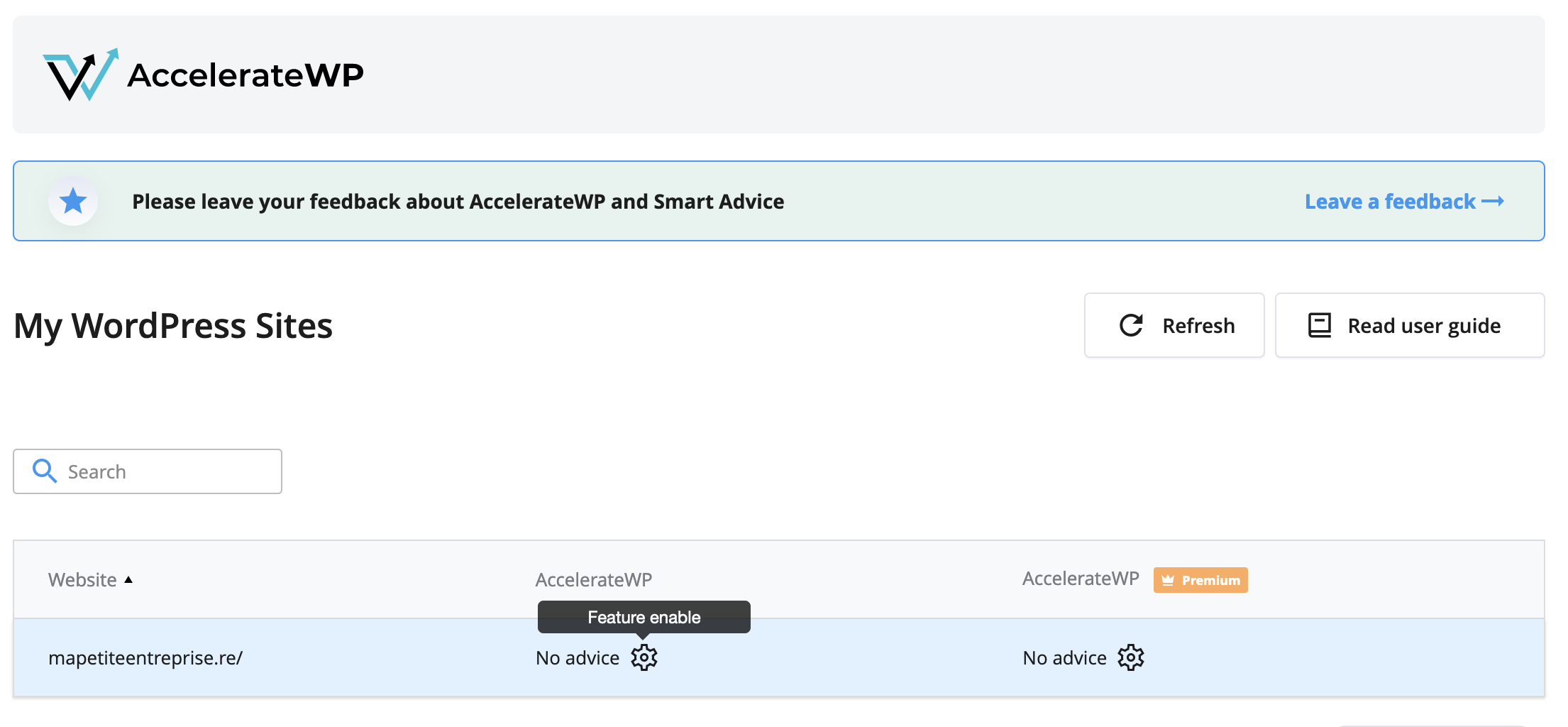
- Click on the gear icon in the "AccelerateWP" column then check the "AccelerateWP" box:

- If you want to modify the default settings, log in to your WordPress, then go to the "Settings" section in the sidebar then to "AccelerateWP".
- You can check the AccelerateWP online help if you need more information.
You can ignore the error "AccelerateWP: Mod PageSpeed is not compatible with this plugin and may cause unexpected results." because our default Mod PageSpeed configuration is compatible with AccelerateWP.
Learn more about Mod PageSpeed
AccelerateWP Premium
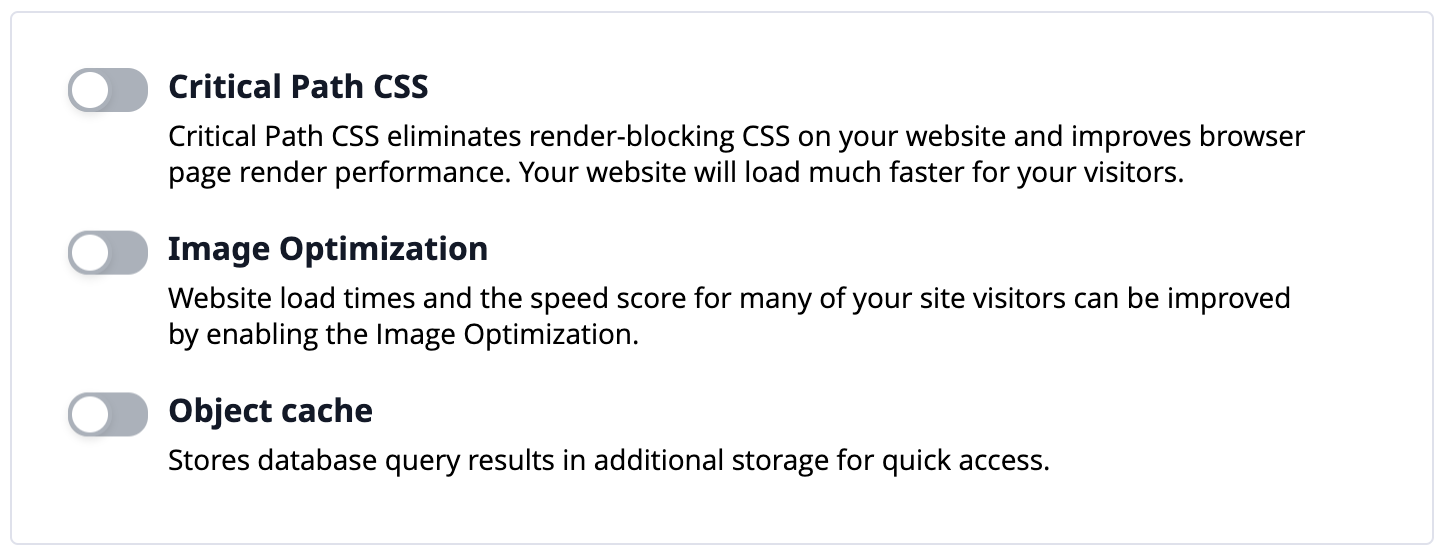
If you want to go further, we offer AccelerateWP Premium which includes notably a Redis object cache, critical CSS generation, and image optimization. Here is how to subscribe:
- Log in to your client area
- In the "My Account" menu, choose "My Services"
- Click on "Web Hosting" on the line corresponding to the cPanel you want to access
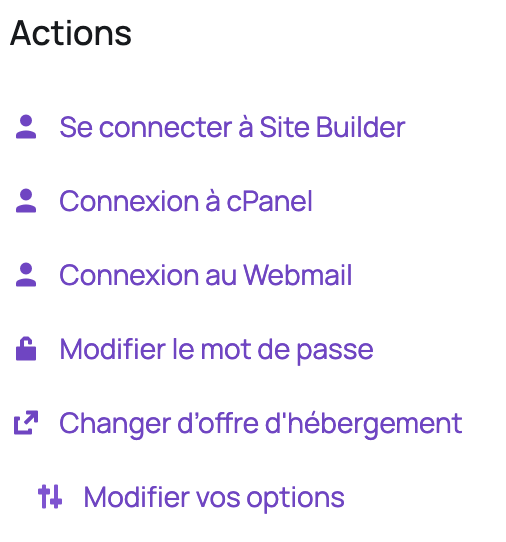
- On the left, under "Actions", click on "Modify your options":
- In the "AccelerateWP" section, choose "AccelerateWP Premium" then click "Click to continue":

- Then confirm the order
- Once the order is confirmed, log in to your cPanel
- In the "Software" section, choose "AccelerateWP" then click on the gear icon in the "AccelerateWP Premium" column:

- Then choose the options that interest you:
AccelerateWP CDN
AccelerateWP offers the integration of a commercial CDN that allows you to speed up your website for users located far from your server, with a network covering more than 100 points of presence across 5 continents.
Warning: the CDN does not have a point of presence in Reunion Island or Mauritius. Users from these territories will be redirected to a point of presence in South Africa, which is a good compromise in terms of performance.
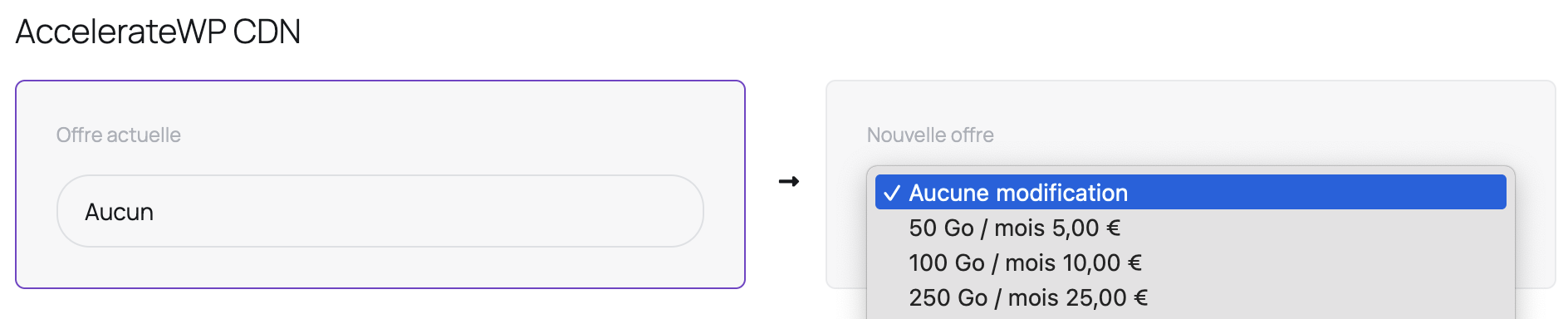
The CDN is billed based on consumed traffic. If you do not know how much traffic you consume, you can go to your cPanel then in the "Metrics" section go to "Bandwidth". You will then see the monthly totals. Take the highest total.
Here is how to subscribe to the CDN:
- Log in to your client area
- In the "My Account" menu, choose "My Services"
- Click on "Web Hosting" on the line corresponding to the cPanel you want to access
- On the left, under "Actions", click on "Modify your options":
- In the "AccelerateWP CDN" section, choose the traffic consumed monthly by your website then click "Click to continue":
- Then confirm the order
Updated on: 21/02/2026
Thank you!