
How to cancel my plan?
At Hodi, we understand that your projects may change, so our plans are commitment-free
If you wish to cancel your plan, you can do so directly from your client area:
- Log in to your client area
- In the "My Account" menu, choose "My Services"
- Click on "Web Hosting" on the line corresponding to the cPanel you wish to access
- On the left, under "Actions", click on "Request Cancellation":
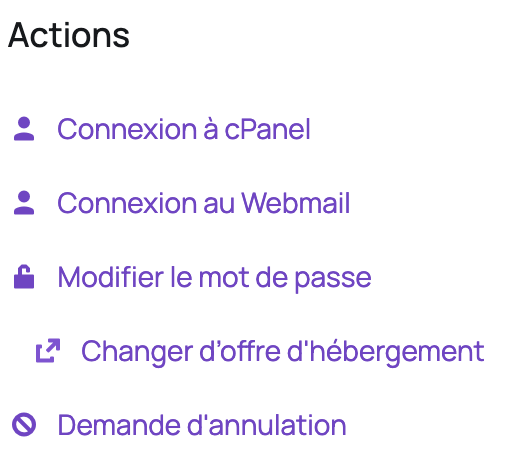
This request results in the cancellation of your plan and the deletion of your data 30 days after the cancellation. You can decide whether or not to keep your domain name during the cancellation.
How to cancel my domain name?
If you wish to cancel the renewal of your domain name, you can do so directly from your client area:
- Log in to your client area
- Click on "Domain Names"

- Click on the three dots to the right of the domain name you no longer wish to renew

- Click on "Auto-renewal status"

- Uncheck the auto-renewal box

Your domain name will no longer be automatically renewed.
Feel free to contact us if you have any questions about your plan or if you would like to discuss it with us.
Updated on: 21/02/2026
Thank you!