
How to reset the cPanel password?
If you have lost your cPanel password, don't worry, you can easily change it from your client area.
First, remember that your cPanel password is not the same password as your client area password (unless you set the same password).
Here are the steps to reset your password:
- Log in to your client area
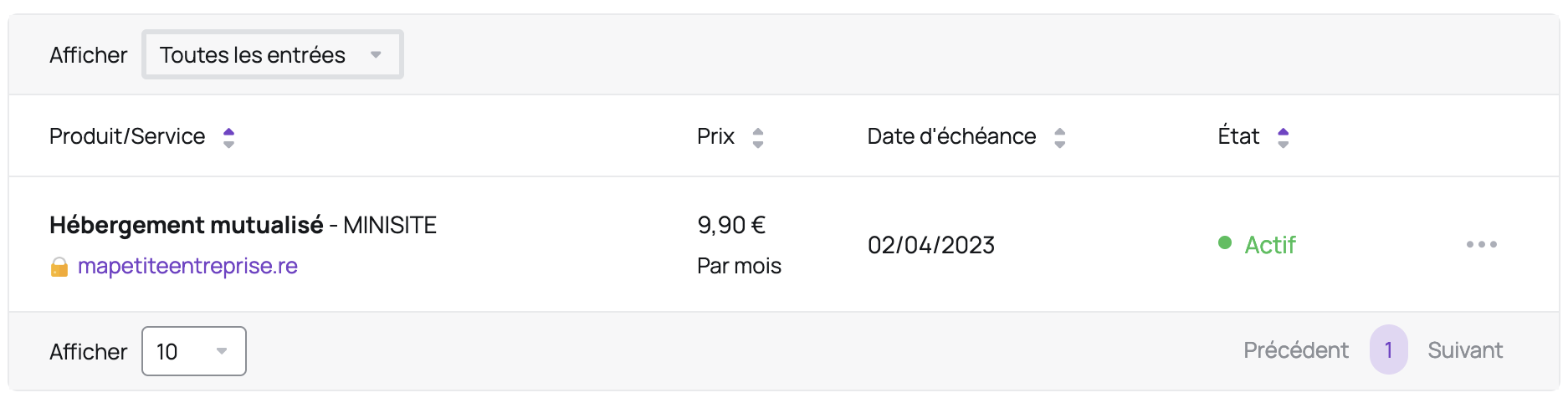
- In the "My Account" menu, click on "My Services"
- Click on the relevant hosting:
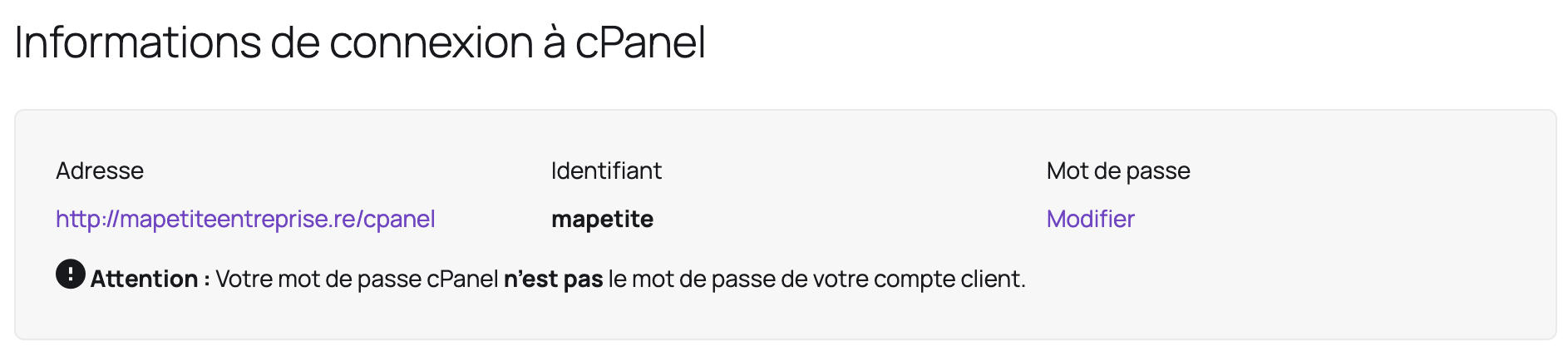
- In the "cPanel Login Information" area, click "Change" under "Password" (you will also find your username in this section):
Updated on: 21/02/2026
Thank you!