
How do I reset my cPanel password?
If you've lost your cPanel password, don't worry, you can easily change it from your client area.
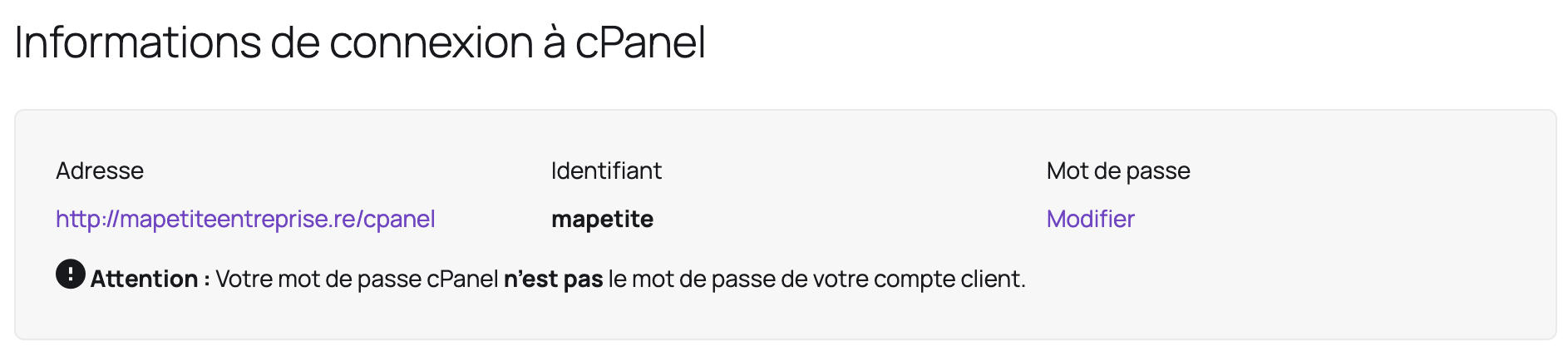
First of all, remember that your cPanel password is not the same password as your client area password (unless you set them to be the same).
Here are the steps to reset your password:
- Log in to your client area
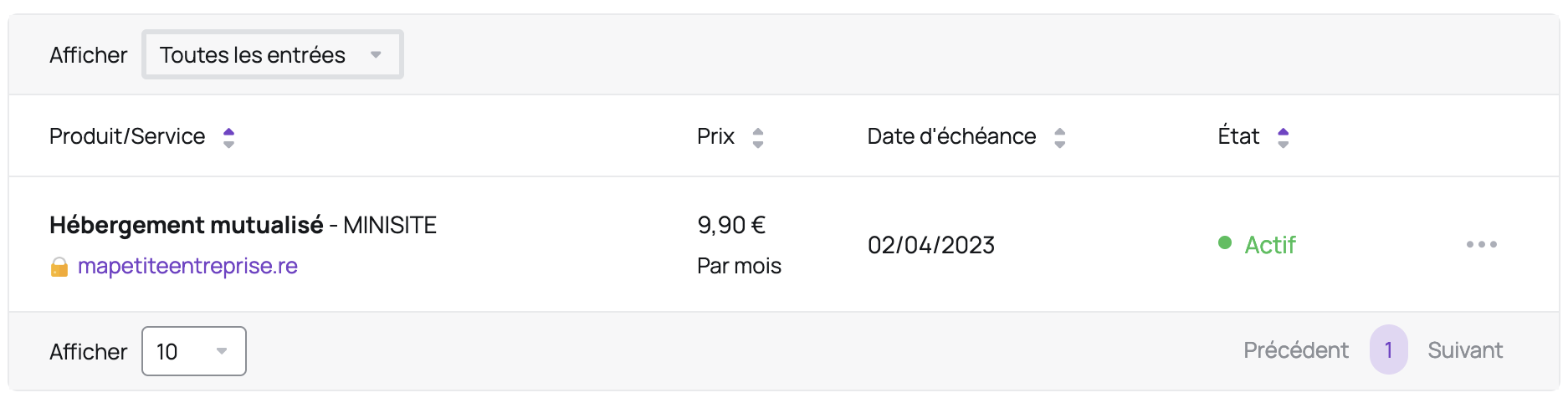
- In the "My account" menu, click "My services"
- Click on the relevant hosting package:
- In the "cPanel connection information" section, click "Change" under "Password" (you'll also find your username in this section):
Updated on: 17/07/2026
Thank you!