
How do I change my package?
If you want to change the billing frequency (monthly to annual or vice versa), simply submit a request to our sales department. The next invoice issued will then reflect the newly chosen frequency.
If you want to change your package, upgrading or downgrading, you can do so directly from your client area
- Log in to your client area
- In the "My account" menu, choose "My services"
- Click "Web Hosting" on the line for the cPanel you want to access
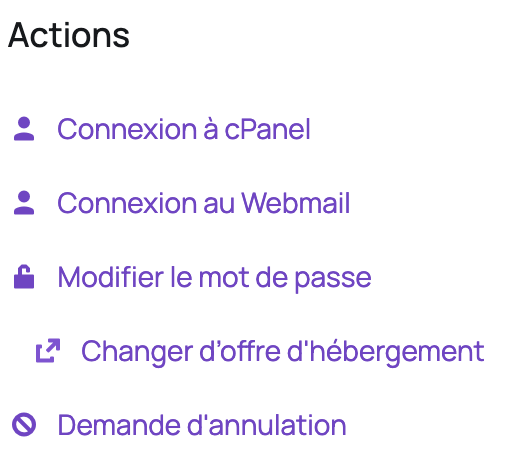
- On the left, under "Actions", click "Change Hosting Package":
- Choose the package that suits you, then click "Choose this Package" and confirm the order.
The package change takes effect once your invoice has been paid, so if your request is urgent and you normally pay by direct debit or bank transfer, we recommend paying your invoice by credit card.
How is the balance due calculated?
Old service: Price per day * Number of days until the next due date = Credited amount
The price per day in the calculation above is the service's recurring amount divided by the number of days in the billing cycle.
New service: Price per day * Number of days until the next due date = Debited amount
The price per day in the calculation above is the new service's cost divided by the number of days in the billing cycle.
Balance Due = Debited amount - Credited amount
Good to know: if you downgrade to a lower package, we credit you the unused amount from your current package, with no penalties. This credit will be used to pay your upcoming invoices.
Updated on: 17/07/2026
Thank you!