
How to add a subdomain to your hosting?
You can create as many subdomains as you want on your hosting.
- Log in to your cPanel
- In the "Domains" section, choose "Domains"
- Click the "Create a new domain" button
- Enter the subdomain you wish to use:
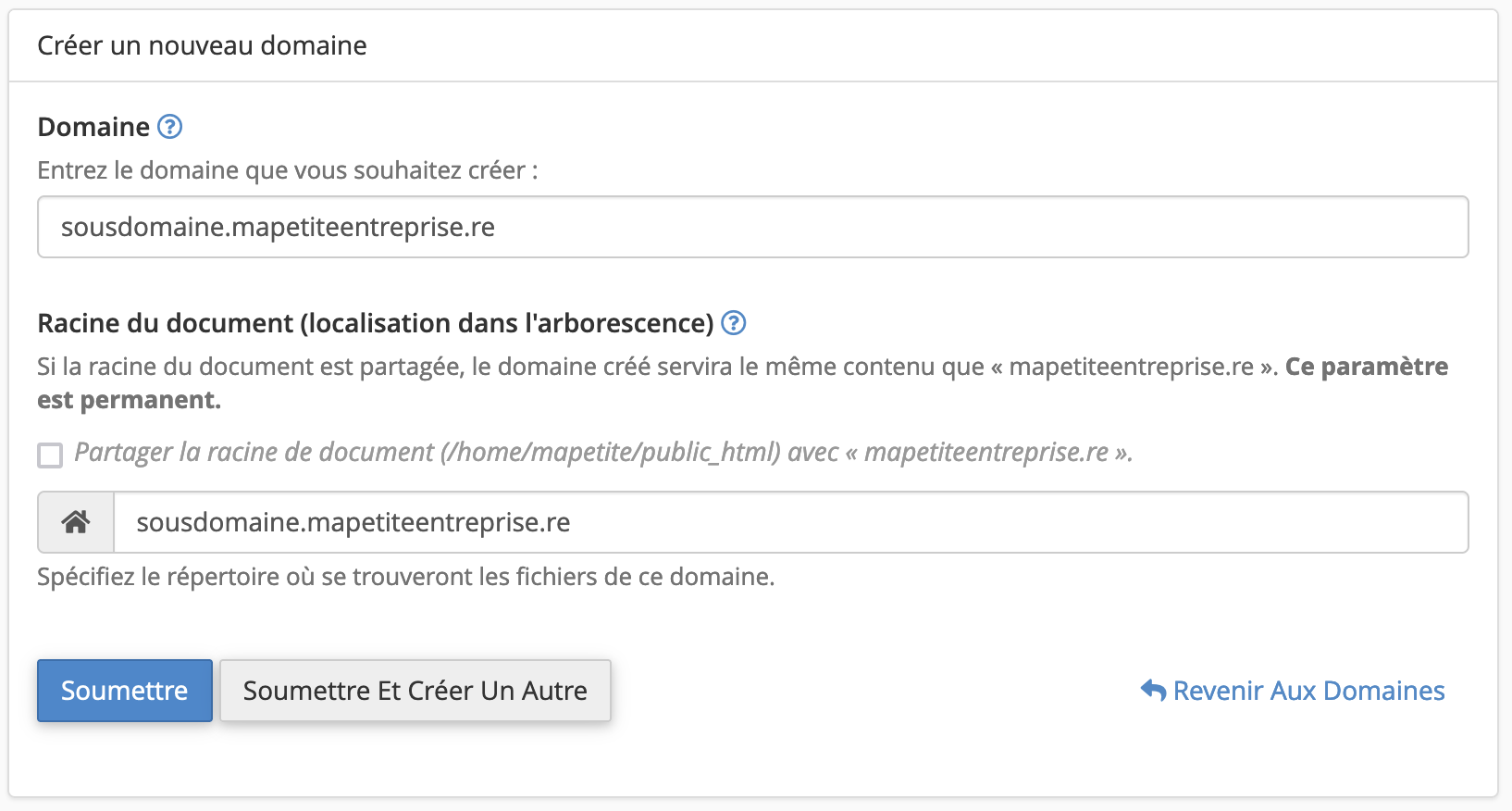
- You can leave the directory indicated by cPanel, which you can access via FTP, or customize it if needed.
Go further:
Updated on: 21/02/2026
Thank you!