
How Do I Cancel My Package?
At Hodi, we understand that your projects can change, so our packages come with no commitment
If you'd like to cancel your package, you can do so directly from your Client Area:
- Log in to your Client Area
- In the "My account" menu, choose "My services"
- Click "Web Hosting" on the line corresponding to the cPanel you want to access
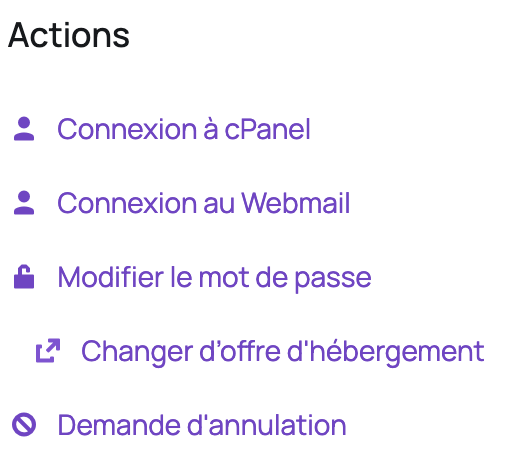
- On the left, under "Actions", click "Request Cancellation":
This request results in the cancellation of your package and the deletion of your data 30 days after cancellation. You can decide whether or not to keep your domain name when canceling.
How do I cancel my domain name?
If you'd like to cancel the renewal of your domain name, you can do so directly from your Client Area:
- Log in to your Client Area
- Click "Domain Names"

- Click the three dots to the right of the domain name you no longer want to renew

- Click "Auto-Renewal Status"

- Uncheck the auto-renewal checkbox

Your domain name will no longer renew automatically.
Feel free to contact us if you have any questions about your package or would like to discuss it with us.
Updated on: 17/07/2026
Thank you!