
How do I automatically send my invoices to my accounting department?
If you'd like your accounting department to automatically receive our invoices, it's very easy to set up:
- Log in to your Client Area
- In the menu with your name in the top right, choose "Contact management"
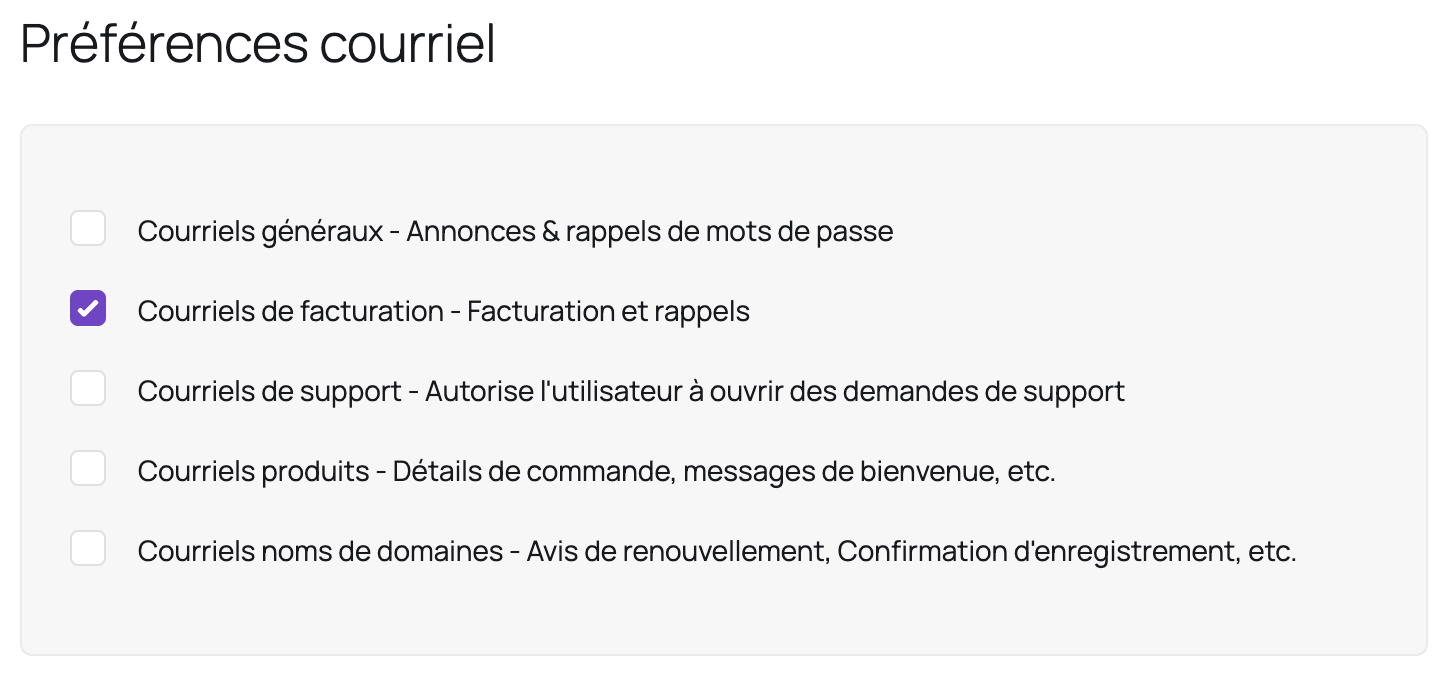
- Fill in the form and check the following box:
- Click on "Save Changes"
Tip: you can use the same method to have other people receive other types of emails by checking the appropriate boxes.
Updated on: 17/07/2026
Thank you!